
The Dell™ Precision™ M6500 Workstation Service Manual provides information on how to maintain and repair the Dell™ Precision™ M6500 Workstation.
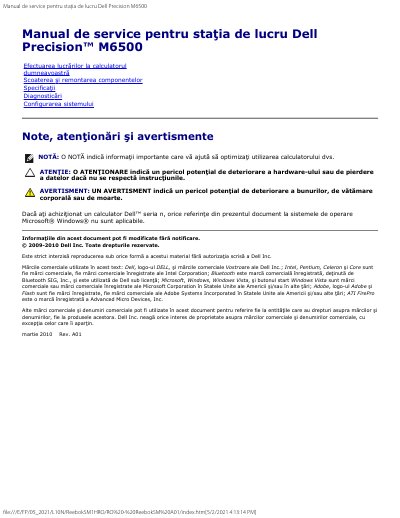
This document is a service manual for the Dell Precision M6500 workstation. It provides instructions for performing work inside the computer, including safety precautions, recommended tools, and procedures for powering down the system before opening the chassis.
The manual details the removal and reinstallation of various components such as the ExpressCard, PCMCIA card, battery, hard disk, flash cache module, memory, camera, and cooling fan. It also includes a section on technical specifications covering system information, processor types, memory, video, audio, and physical data.
| Chipset | Mobile Intel PM55 |
|---|---|
| Data Bus Width | 64-bit |
| DRAM Bus Width | 64-bit dual-channel |
| Processor Address Bus | 36-bit |
| Flash EPROM SPI | 32 Mbits |
| PCI Express x16 | Gen 2 |
| PCI Bus | 32-bit, 33 MHz |
| L1 Cache (i5-520M) | 3 MB |
| L2 Cache (i7-920XM) | 8 MB |
The manual recommends a flathead screwdriver, Phillips #0 screwdriver, Phillips #1 screwdriver, a small plastic pick, and a CD with the BIOS update program.
It is a Dell Precision workstation.
The system uses the Mobile Intel PM55 chipset.
The listed L1 cache is 32 KB of instruction cache and 32 KB of data cache per core.