
Dell Inspiron 15 Quick Start Guide.
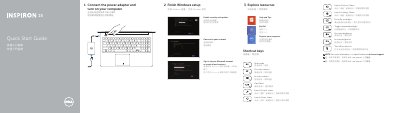
This two-page quick start guide helps set up a Dell Inspiron 15 7000 series - 7537 computer. It covers finishing Windows setup, connecting power, shortcut keys, and identifying labeled features.
It also lists support and manual links, contact information, regulatory details including model P36F, and safety resources.
| USB 3.0 ports | 2 |
|---|---|
| USB 3.0 port | 1 |
| USB 3.0 port with PowerShare | 1 |
| Digital-array microphones | 2 |
| HDMI port | 1 |
| Network port | 1 |
| Media-card reader | 1 |
| Headset port | 1 |
| Regulatory model | P36F |
| Computer model | Inspiron 15 7000 series - 7537 |
Dell lists product support and manuals at dell.com/support and dell.com/support/manuals.
The regulatory model and type is P36F.
The features list includes two USB 3.0 ports, one USB 3.0 port, and one USB 3.0 port with PowerShare.
The guide lists shortcut keys for audio, volume, play/pause, search, share, devices, settings, recently used apps, keyboard backlight, brightness, and wireless.