
The Dell Latitude 5480 Quick Start Guide provides information on how to use the Dell Latitude 5480 laptop.
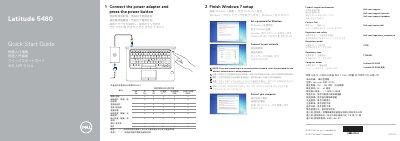
This guide helps you set up your Dell Latitude 5480 laptop. It covers connecting the power adapter, completing Windows 7 setup, setting a password, connecting to your network, and protecting your computer. It also lists the device’s features, ports, and regulatory compliance details.
The guide includes multilingual support and notes on optional components like infrared camera, fingerprint reader, and Thunderbolt™ 3 port. It references Dell’s support and regulatory pages for further assistance.
| Rated voltage | 100 - 240 volts AC |
|---|---|
| Rated frequency | 50 - 60 Hz |
| Rated input current | 1.7A/2.5A |
Enter the wireless network access password when prompted.
It powers on the device after connecting the power adapter.
Follow the instructions in the guide to secure your device.