
This document is a quick start guide for Dell laptop, which introduces how to finish Windows setup, connect to network, protect computer and learn about the features and advanced options.
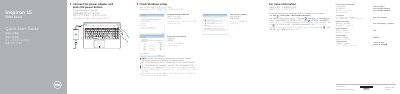
This guide helps you set up your Dell Inspiron 15-5559 laptop by connecting the power adapter, completing Windows setup, and connecting to your network. It includes instructions for setting a password, connecting to secured wireless networks, and protecting your computer. The guide also lists hardware features such as ports, cameras, and battery status indicators.
The guide provides a diagram of the laptop’s ports and buttons, including USB, HDMI, optical drive, and security cable slot. It also explains shortcut keys for audio, brightness, and wireless control, along with toggling between power and battery status lights. This manual is written in Chinese.
Connect the power adapter and press the power button.
Enter the password for the wireless network access when prompted.
Click Start → All Programs→ Dell Help Documentation.
The computer has two USB 2.0 ports.