
The Dell Latitude 3190 laptop is powered by an Intel Gemini Lake processor and features a webcam, microphone, power button, speakers, touchpad, USB 3.1 Gen 1 port, HDMI port, power connector port, and more.
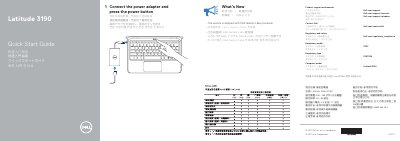
This Dell Latitude 3190 Quick Start Guide explains how to set up the laptop by connecting the power adapter and pressing the power button. It also points to Dell product support, manuals, and regulatory compliance pages.
The guide identifies the computer model as Latitude 3190 and states that the system ships with an Intel Gemini Lake processor. A features section labels 14 items, including the camera, power button, USB 3.1 Gen 1 ports, HDMI port, and Service Tag label.
| Processor | Intel Gemini Lake processor |
|---|---|
| Computer model | Latitude 3190 |
Connect the power adapter and press the power button.
Visit Dell.com/support, Dell.com/support/manuals, or Dell.com/support/windows.
It ships with an Intel Gemini Lake processor.