
This guide describes how to set up and use a Dell computer.
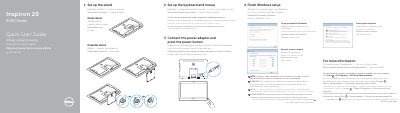
This quick start guide provides step-by-step instructions for setting up the Dell Inspiron 20-3059 all-in-one desktop. It covers assembling the stand, connecting peripherals, powering on the system, completing Windows setup, creating a password, and connecting to a network.
The guide also illustrates the computer's features, including a camera, microphones, media card reader, USB 3.0 and 2.0 ports, HDMI-in, audio-out, network port, power button, screen-off button, brightness controls, and an optional optical drive. Regulatory information and Dell support contacts are provided.
| USB 3.0 ports | 2 |
|---|---|
| USB 2.0 ports | 2 |
| HDMI-in port | 1 |
| Audio-out port | 1 |
| Network port | 1 |
| Power adapter port | 1 |
| Headset port | 1 |
| Media card reader | 1 |
| Camera | 1 |
| Optical drive | Optional |
When prompted, enter the password for the wireless network access.
Click Start → All Programs → Dell Help Documentation.