
Quick start guide for Dell XPS 15 laptop.
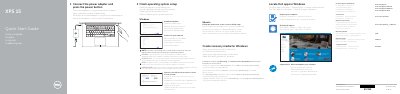
This guide helps you set up your Dell XPS 9550 laptop. Connect the power adapter and press the power button to start. Follow on-screen instructions to complete operating system setup. Connect to your network and sign in to your Microsoft account or create a local account. The laptop features a camera, USB 3.0 ports with PowerShare, HDMI, Thunderbolt 3, headphone jack, microphones, SD card slot, and battery status indicators.
| Computer Model | XPS 9550 |
|---|
Connect the power adapter and press the power button.
Enter the password for the wireless network access when prompted.