
The Dell P28F monitor complies with the requirements of the NOM (Norma Oficial Mexicana).
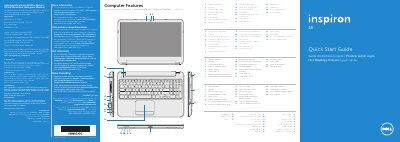
This document is a multilingual quick start guide for the Dell Inspiron 3521 laptop, identified by regulatory model P28F and type P28F001. It begins with regulatory information for Mexico, including importer details and electrical specifications for the power adapter, followed by general product support information in several languages. The guide then illustrates the computer's physical features, listing items such as the digital microphone, camera, optical drive, various USB ports, HDMI port, and indicator lights.
The second part provides step‑by‑step setup instructions: press the power button, record the Windows password (avoiding the @ symbol), complete Windows setup, check wireless status, connect the power adapter, locate the service tag/regulatory label, record the service tag, optionally connect a network cable, and use function keys to switch displays, toggle wireless, enable/disable the touchpad, adjust brightness, control audio playback, and mute volume.
| Regulatory Model | P28F |
|---|---|
| Type | P28F001 |
| Computer Model | Inspiron 3521 |
| Input Voltage | 100 – 240 V AC |
| Maximum Input Current | 1.50 A / 1.60 A / 1.70 A / 2.50 A |
| Input Frequency | 50 Hz – 60 Hz |
| Output Current | 3.34 A / 4.62 A |
| Nominal Output Voltage | 19.50 V DC |
The regulatory model is P28F.
The power adapter accepts 100 – 240 V AC at 50 – 60 Hz.
The service tag is located on the service tag/regulatory label on the computer.