
The Dell Precision Tower 7910 Quick Start Guide provides information on how to set up and use the Dell Precision Tower 7910 desktop computer.
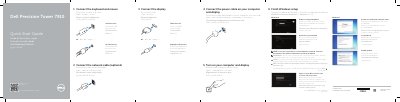
This Dell Precision Tower 7910 Quick Start Guide provides setup instructions for the Dell computer. It covers connecting the keyboard, mouse, network cable, display, and power cable, then turning on the system.
The guide also explains how to finish Windows setup, enable security and updates, create a user name and password, and sign in to a Microsoft or local account. Product support, contact information, and regulatory details are included at the end.
| Model | Precision Tower 7910 |
|---|---|
| Regulatory type | D02X003 |
Connect the keyboard and mouse using a USB or PS/2 connector.
Turn on your computer and display.
The computer model is the Dell Precision Tower 7910.