
The Dell Latitude 5490 Quick Start Guide introduces the features and functions of the product.
This Dell Latitude 5490 Quick Start Guide provides initial setup instructions and product support information for the Latitude 5490 computer. It includes multilingual setup steps, regulatory details, and links to Dell support resources.
The guide lists computer features such as network, HDMI, USB, VGA, and DisplayPort ports, camera options, card readers, fingerprint reader, and touchpad. It also notes support for 7th and 8th generation Intel Core processors and up to 2400 MHz DDR4 memory.
| Processor support | Dual (7th Gen Intel Core) and Quad (8th Gen Intel Core) processors |
|---|---|
| Memory | up to 2400 MHz DDR4 memory |
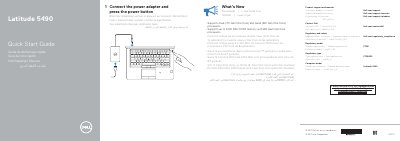
Connect the power adapter and press the power button.
It supports dual 7th Gen Intel Core and quad 8th Gen Intel Core processors.
Up to 2400 MHz DDR4 memory is supported with 8th Gen Intel Core processors.