
The Dell Inspiron 7520 Quick Start Guide provides information on how to use the Dell Inspiron 7520 laptop.
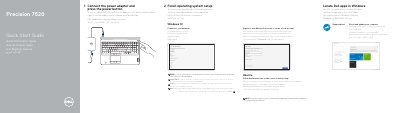
This Dell Precision 7520 Quick Start Guide helps you set up the computer, connect to a network, and sign in to a Microsoft account or a local account. It also covers locating Dell apps in Windows and using SupportAssist to check and update the computer.
The guide lists features such as USB 3.0 ports with PowerShare, an SD card reader, fingerprint and smart card readers, HDMI, Mini DisplayPort, Thunderbolt 3 over Type-C, and the service tag label. Support and regulatory details are provided for the Precision 7520.
It covers the Dell Precision 7520 computer.
Connect the power adapter and press the power button.
Dell product support and manuals are available at Dell.com/support, Dell.com/support/manuals, and Dell.com/support/windows.
Enter the password for the wireless network access when prompted.