
Dell Inspiron 14-3452 Quick Start Guide.
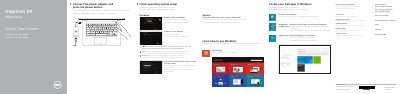
This document serves as a Quick Start Guide for the Dell Inspiron 14-3452 laptop. It provides initial setup instructions including connecting the power adapter, pressing the power button, and configuring the Windows operating system. The guide also covers enabling security updates, connecting to a network, registering the computer, and using the Dell Backup and Recovery software.
Connect the power adapter and press the power button.
It has two USB 2.0 ports.
It does not work on computers with eMMC.
The regulatory model is P60G.