
The Dell S2218H/S2318H/S2318HX monitors feature a 1920x1080 resolution, 250cd/m2 brightness, 1000:1 contrast ratio, 5ms response time, and 178-degree viewing angles.
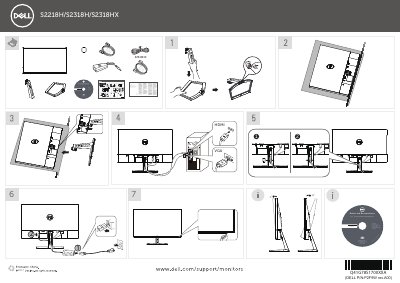
This is the printed insert packed with the Dell S2218H, S2318H and S2318HX monitors. It lists what is on the included Drivers and Documentation media: device drivers, the Quick Setup Guide, the User's Guide and Dell Display Manager Software.
The insert also shows the monitor's adjustable stand position with a -5° to 21° tilt and its HDMI and VGA connectors. Document part numbers 9V5GR Rev. A00 and P2F9W rev.A00 are printed on the sheet, along with a January 2017 date and a Made in China note.
| Video inputs | HDMI, VGA |
|---|---|
| Included media | Drivers and Documentation (P/N 9V5GR Rev. A00) |
The media contains device drivers, the Quick Setup Guide, the User's Guide and Dell Display Manager Software.
The insert shows HDMI and VGA connectors.