
Inspiron 15-5555 Laptop Quick Start Guide
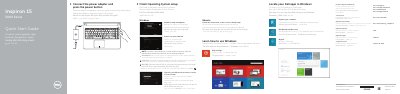
This guide helps you set up your Dell Inspiron 15-5555 laptop. Connect the power adapter, press the power button, and follow on-screen instructions to configure your operating system. Enable security updates and connect to your network using the provided credentials. The laptop features a camera, microphones, HDMI port, USB 3.0 ports, and a media card reader.
The guide also includes a diagram of the laptop’s ports and controls, such as power button, headphone jack, USB ports, and status lights. It provides shortcuts for volume control, sleep mode, and toggling wireless connectivity. For more details, visit dell.com/support.
Enter the password for the wireless network access when prompted.
Visit dell.com/support for specifications and additional support.