
Dell XPS 8500 Computer Quick Start Guide

The user manual for a Dell computer.
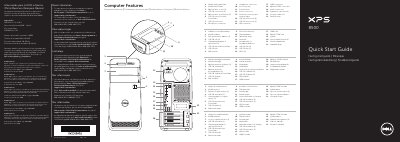

Dell XPS 8500 Computer Quick Start Guide - cover page
Brand
DELL
Category
Desktops
Document type
Quick Start Guide
Language
English
Pages
2
File format
PDF
File size
951 KB
Published
25 November, 2023
Updated
25 November, 2023
MD5 checksum
D0672BF1AD6902C35FD47390DE85827A

About this manual

Dell XPS 8500 Quick Start Guide provides setup steps for the computer. It lists the computer's connectors and features, including media-card reader, USB 2.0 and USB 3.0 connectors, audio connectors, VGA, HDMI, network, and expansion-card slots.

The guide shows how to connect the keyboard and mouse, optional network cable, power cable, and display. It also covers following Windows setup, locating the service tag, NOM information for Mexico, and Dell contact details.

What's inside

  • NOM information (Mexico only)
  • More Information
  • Computer Features
  • Connect the keyboard and mouse
  • Connect the network cable (optional)
  • Connect the power cable and press the power button
  • Connect the Display
  • Follow Windows setup
  • Locate your service tag

Specifications

Computer modelXPS 8500
Regulatory modelD03M
TypeD03M005
Input voltage100–240 VAC
Input frequency50–60 Hz
Nominal input current8.0 A/4.0 A

Frequently asked questions

What is the computer model?

The computer model is XPS 8500.

Where can I find more information about the computer's features?

Use Dell Help Documentation from the Start menu or go to support.dell.com/manuals.

How should I connect the display if my computer has an optional discrete graphics card?

Connect the display to the connector on the discrete graphics card.

What should I do after pressing the power button?

Follow the Windows setup instructions.

Download PDF (951 KB)

More DELL Manuals


View all DELL manuals →