
The Dell OptiPlex 7450 All-in-One Quick Start Guide provides information on how to set up and use the Dell OptiPlex 7450 All-in-One.
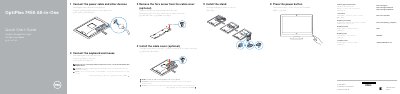
This Dell Quick Start Guide helps users set up the OptiPlex 7450 All-in-One computer. It covers connecting power, keyboard, mouse, and other devices, installing the stand and cable cover, and turning on the system.
The guide also lists product features and ports, provides Windows 10 setup steps, and points to Dell product support, manuals, and regulatory information.
| Regulatory type | W11C002 |
|---|---|
| Computer model | OptiPlex 7450 All-in-One |
Yes, securing the cable cover with the Torx screw is optional.
Go to Dell.com/support and Dell.com/support/manuals.
The computer model is OptiPlex 7450 All-in-One.