
The Dell Vostro 5370 Quick Start Guide provides information on how to set up and use the Dell Vostro 5370 laptop.
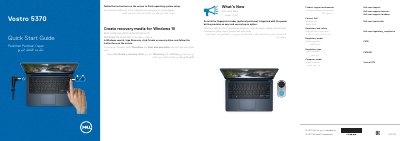
This guide helps you set up your Dell Vostro 5370 laptop by following on-screen instructions to complete the operating system setup. It also lists the device’s key features, including an optional fingerprint reader integrated with the power button, USB 3.1 ports, HDMI, and a touchpad.
The guide includes regulatory and safety information, Windows 10 recovery media creation steps, and a detailed list of ports and components such as microSD card reader, speakers, and service tag label.
An intuitive fingerprint reader is available as an optional purchase.
In Windows search, type Recovery, click Create a recovery drive, and follow the instructions on the screen.
Yes, a microSD card reader is listed among its features.