
The Dell Precision 7920 Tower Quick Start Guide provides information on how to set up and use the Dell Precision 7920 Tower Workstation.
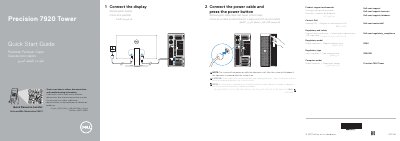
This quick start guide for the Dell Precision 7920 Tower shows how to connect the power cable, press the power button, and connect the display. It also notes that the system will not power on while the side cover is off and will shut down if the side cover is removed while the system is on.
The guide includes a numbered list of 28 features, such as USB ports, an SD card slot, expansion card slots, network ports, and security features. It also lists regulatory model D04X, regulatory type D04X001, and computer model Precision 7920 Tower.
| Regulatory model | D04X |
|---|---|
| Regulatory type | D04X001 |
| Computer model | Precision 7920 Tower |
Connect the power cable and press the power button.
No, the system will not power on while the side cover is off.
The system will shut down.
Dell.com/support and Dell.com/support/manuals.