
The user manual for Dell computers introduces the features and functions of Dell computers.
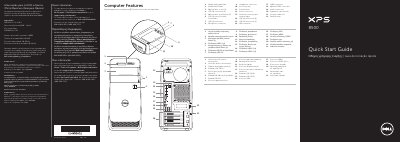
This quick start guide shows the Dell XPS 8500 computer features and the basic setup steps, including connecting the keyboard, mouse, network cable, power cable, and display. It also explains how to follow Windows setup, locate and record the service tag, and record the Windows password.
The guide lists supported display connection types and includes regulatory information such as the regulatory model, type, input voltage, frequency, and nominal input current.
| Computer model | XPS 8500 |
|---|---|
| Regulatory model | D03M |
| Type | D03M005 |
| Input voltage | 100-240 VAC |
| Input frequency | 50-60 Hz |
| Nominal input current | 8.0 A/4.0 A |
Connect the display to the connector on the discrete graphics card.
Do not use the @ symbol in the password.
The regulatory model number is D03M.