
This document is a quick start guide for Dell computers, which introduces how to set up and use a Dell computer.
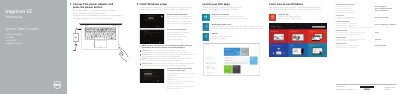
This guide helps you set up your Dell Inspiron 13 7000 Series laptop quickly. It covers connecting power, setting up Windows, connecting to a network, and using built-in features like cameras and microphones. The guide also includes shortcuts for volume, brightness, and wireless controls.
The laptop comes with ports for HDMI, USB 3.0, USB 2.0, and a media card reader. It includes a passive stylus, service tag, and regulatory labels. You can register your computer and access support at dell.com/support.
Connect the power adapter and press the power button.
You can turn off or on wireless.
Feature 20 is a passive stylus.
Enter the password for the wireless network access when prompted.