
Dell computer user manual summary: The power input voltage of Dell computer is 100-127 V AC/200-240 V AC, the input frequency is 50 Hz/60 Hz, and the current is 6 A/3 A.
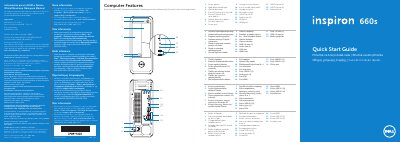
This two-page Quick Start Guide introduces the Dell Inspiron 660s desktop computer. It identifies front and rear panel features and gives step-by-step setup instructions for power, keyboard, mouse, display, and optional network connections.
The guide also explains where to locate the Service Tag, how to complete Windows setup, and includes Mexican NOM regulatory information and Dell support contact details.
| Computer model | Inspiron 660s |
|---|---|
| Regulatory model | D06S |
| Input voltage | 100-127 V AC / 200-240 V AC |
| Input frequency | 50 Hz / 60 Hz |
| Current | 6 A / 3 A |
The computer model is Inspiron 660s.
Connect the power cable.
Click Start → All Programs → Dell Help Documentation or go to support.dell.com/manuals.
It accepts 100-127 V AC or 200-240 V AC.