
The Chromebook 13 3380 Quick Start Guide provides instructions on how to connect the power adapter, finish Chromebook setup, connect to a network, wait for the update to finish, and sign in to your Google account.
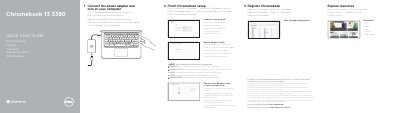
This document serves as a multilingual Quick Start Guide for the Dell Chromebook 13 3380. It provides step-by-step instructions for initial setup, including connecting the power adapter, finishing the Chromebook configuration, connecting to a network, and registering the device. A specific note warns that the computer will restart after the Google update process.
| USB Ports | USB 3.0 port with PowerShare |
|---|---|
| Video Output | HDMI port |
Yes, your computer will restart after the Google update is finished.
You can visit the Dell support website to find details on your warranty and service contracts.