
Dell Precision Tower 7810 Quick Start Guide
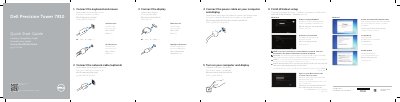
This guide helps you set up and connect your Dell Precision Tower 7810. It covers connecting peripherals like keyboard, mouse, display, and power cables. It also includes steps to finish Windows setup, enable security and updates, and connect to your network. The back of the guide lists front panel ports and features for reference.
The guide provides instructions for setting up Windows 8 and Windows 7.
You must connect the power cable to both the computer and the display.