
Dell Latitude 5280 Mobile TC Quick Start Guide

Dell Latitude 5280 Mobile TC Quick Start Guide
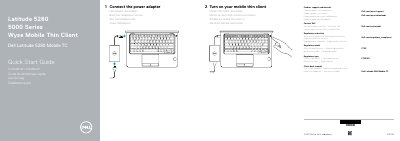

Dell Latitude 5280 Mobile TC Quick Start Guide - cover page
Brand
DELL
Document type
Quick Start Guide
Language
English
Pages
2
File format
PDF
File size
143 KB
Published
25 November, 2023
Updated
25 November, 2023
MD5 checksum
A051B3C140E53B2CC6E20FB2CD3DE26C

About this manual

This guide helps you set up and use the Dell Latitude 5280 Mobile TC. Connect the power adapter and turn on the device. The unit includes ports for USB, HDMI, VGA, network, and audio. Optional features include infrared camera, fingerprint reader, and smart card reader. The device supports DisplayPort over USB Type-C and PowerShare for USB 3.0 ports.

What's inside

  • Connect the power adapter
  • Turn on your mobile thin client
  • Features
  • Ports and connectors
  • Optional components

Frequently asked questions

What ports are available on the Latitude 5280 Mobile TC?

The device includes a network port, VGA port, HDMI port, USB 3.0 ports, and a DisplayPort over USB Type-C.

Download PDF (143 KB)

More DELL Manuals


View all DELL manuals →