
The Dell Precision 3520 3000 Series Quick Start Guide provides information on how to set up and use the Dell Precision 3520 3000 Series laptop.
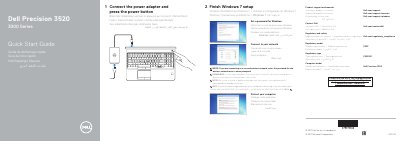
This quick start guide for the Dell Precision 3520 3000 Series explains initial setup steps, including connecting the power adapter, finishing Windows 7 setup, setting a password, connecting to a network, and protecting the computer.
It also lists computer features such as ports, camera, fingerprint reader, and touchpad, and provides Dell support and regulatory information including regulatory model P60F.
Connect the power adapter and press the power button.
Support and manuals are available at Dell.com/support and Dell.com/support/manuals.
A touch fingerprint reader is available as an optional feature.