
Dell Venue 8 Pro 3000 Series Quick Start Guide.
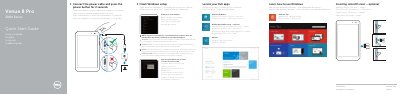
This quick start guide covers initial setup of the Dell Venue 8 Pro 3000 Series tablet, including connecting power, completing Windows setup, connecting to a network, signing in to a Microsoft account, locating Dell apps, and registering the device.
It also identifies the tablet's features, including the ambient-light sensor, cameras, MicroSD-card slot, Micro-USB port, volume buttons, Windows button, and headset port, and lists product support, manuals, regulatory, and safety information.
| Tablet model | Venue 8 Pro 3845 |
|---|---|
| Regulatory model | T01D |
| Power button press | 2 seconds |
| MicroSD card slot | Included |
Press the power button for 2 seconds.
Enter the password for the wireless network access when prompted.
Dell Backup and Recovery is optional.