
The Dell Precision Mobile Workstation 5000 Series Quick Start Guide provides instructions on how to connect the power adapter, finish operating system setup, connect to a network, and set a password.
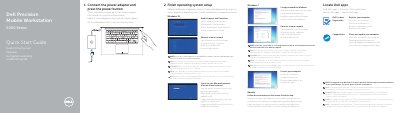
This guide helps you set up your Dell Precision 5510 mobile workstation quickly. Connect the power adapter, press the power button, and follow on-screen instructions to complete operating system setup. Configure your network, register your device, and enable support tools like SupportAssist.
The workstation features a Thunderbolt™ 3 connector, HDMI, USB 3.0 with PowerShare, touchpad, camera, speakers, microphone, and Kensington security slot. It supports Windows 7, Windows 10, and Ubuntu. Drivers for upgrades from Windows 7 to Windows 10 require manual installation.
Windows 7, Windows 10, and Ubuntu.
Yes, a manual installation of system drivers is required.
Visit dell.com/support for the latest drivers.