
Dell Precision 7520 Quick Start Guide

The Dell Inspiron 7520 Quick Start Guide provides instructions on how to use the Dell Inspiron 7520 laptop.
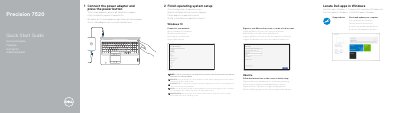

Dell Precision 7520 Quick Start Guide - cover page
Brand
DELL
Category
Laptops
Document type
Quick Start Guide
Language
English
Pages
2
File format
PDF
File size
490 KB
Published
25 November, 2023
Updated
25 November, 2023
MD5 checksum
7FFBFB5033CC3FDB98FE23FE83ED4A99

About this manual

This guide provides initial setup steps for the Dell Precision 7520, including connecting the power adapter, completing Windows 10 or Ubuntu setup, connecting to a network, and locating Dell apps.

It also identifies the computer's ports and features, lists optional components such as a fingerprint reader and smart card readers, and provides Dell support, manual, and regulatory information.

What's inside

  • Connect the power adapter and press the power button
  • Finish operating system setup
  • Locate Dell apps in Windows
  • Features
  • Product support and manuals
  • Regulatory and safety

Frequently asked questions

What computer model does this guide cover?

The guide covers the Dell Precision 7520.

What should Ubuntu users do to finish setup?

Follow the instructions on the screen to finish setup.

Which Dell app is mentioned for checking and updating the computer?

SupportAssist is mentioned for checking and updating the computer.

Where can I find product support and manuals?

Product support and manuals are available at Dell.com/support and Dell.com/support/manuals.

Download PDF (490 KB)

More DELL Manuals


View all DELL manuals →