
The Dell Latitude 14 7000 Series Quick Start Guide provides instructions on how to connect the power adapter, locate Dell applications, finish Windows 10 setup, and connect to a network.
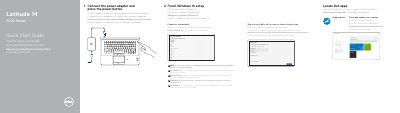
This guide covers initial setup of the Dell Latitude 14 7000 Series computer, including connecting the power adapter, pressing the power button, and completing Windows 10 setup with network and account sign-in.
It also identifies the notebook's external features and ports and provides Dell support, manual, regulatory, and service-tag information.
| USB 3.0 connectors | 2 |
|---|---|
| SIM port | optional |
| Regulatory type | P61G001 |
| Computer model | Latitude 14-7470/E7470 |
Connect the power adapter and press the power button.
Product support and manuals are available at Dell.com/support and Dell.com/support/manuals.
The computer model is Latitude 14-7470/E7470.