
The Dell Latitude 5280 Quick Start Guide provides instructions on how to connect the power adapter, finish operating system setup, connect to a network, and sign in to your Microsoft account.
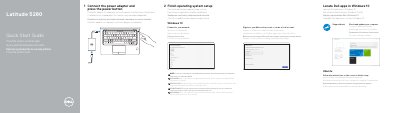
This Dell quick start guide for the Latitude 5280 laptop walks through the first steps of setting the computer up: connecting the power adapter and pressing the power button, finishing operating system setup, connecting to a wireless network, and signing in with a Microsoft account or a local account. It also explains how to locate Dell apps such as SupportAssist in Windows 10, and gives Ubuntu setup instructions.
The second page lists the notebook's features with numbered callouts, including the optional infrared camera and IR emitter, uSIM card slot, uSD card reader, dual array microphones, Nobel Wedge lock slot, network, VGA, HDMI, USB 3.0 and USB Type-C ports, fingerprint reader, smart card reader and service tag label. Support, contact and regulatory compliance web addresses are provided at the end. The guide text is repeated in several languages.
| Computer model | Latitude 12-5280 |
|---|---|
| Regulatory model | P72S |
| Regulatory type | P72S001 |
| USB ports | USB 3.0 port with PowerShare, USB 3.0 port |
| Video ports | HDMI port, VGA port, DisplayPort over USB Type-C |
| Card reader | uSD card reader |
Connect the power adapter and press the power button, then finish the operating system setup.
When prompted, enter the password for the wireless network access.
Dell apps such as SupportAssist are located in Windows 10 and can be used to check and update the computer.
Manuals and support are available at Dell.com/support/manuals.