
Dell Latitude 15 5000 Series E5570 Notebook Quick Start Guide
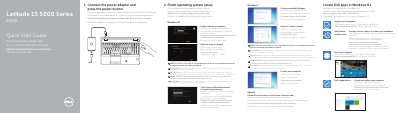
This guide helps you set up your Dell Latitude 15 5000 Series E5570 notebook quickly. It covers connecting power, locating Dell apps, checking system updates, registering your device, and setting up your network. The guide also lists hardware features like ports, connectors, and optional components such as fingerprint readers and Thunderbolt 3.
Follow the on-screen instructions to complete operating system setup, set a Windows password, and connect to your network. If connecting to a secured wireless network, enter the password when prompted. The guide includes multilingual support for Windows 8.1 and mentions Dell SupportAssist, Backup and Recovery, and Help & Support tools.
Connect the power adapter and press the power button.
Enter the password for the wireless network access when prompted.
Follow the instructions on the screen to finish setup.
It backs up, recovers, repairs, or restores your computer.