
Dell Networking W-IAP103 Instant Access Point Installation Guide
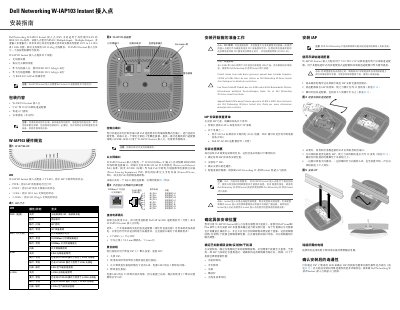
This guide provides step-by-step instructions for installing the Dell W-IAP103 Instant Access Point, including mounting options, cable connections, and LED status indicators. It covers compatibility with IEEE 802.11n standards and PoE power requirements.
The device supports 2.4 GHz and 5 GHz wireless bands, with LED indicators for power, Ethernet, and radio status. Installation requires a compatible virtual controller and proper RF planning to avoid interference. This manual is written in Chinese.
| PoE Compatibility | IEEE 802.3af |
|---|---|
| Ethernet Port | 10/100/1000Base-T (RJ-45) |
PWR LED: Red = error condition, Green flashing = booting, Green steady = ready.
The W-IAP103 Instant Access Point requires Dell Instant 4.1 or a higher version to operate.
Turn off the IAP, hold the reset button using a small object like a paperclip, and start the IAP; release the button after the power LED flashes within 5 seconds.
The device can be installed on a ceiling or a wall.