
The Dell Networking W-AP110 Series Access Point Installation Guide describes how to install and configure the Dell Networking W-AP110 Series (W-AP114 and W-AP115) wireless access points (APs).
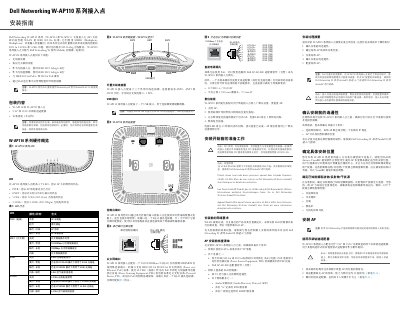
The Dell Networking W-AP110 is a wireless access point that supports IEEE 802.11a/b/g/n on 2.4 GHz and 5 GHz bands with MIMO technology. It provides status LEDs for power, Ethernet, 5 GHz, and 2.4 GHz, and can be powered using IEEE 802.3at or 802.3af Power over Ethernet.
This installation guide describes how to mount the access point, connect antennas and the RJ-45 Ethernet cable, and verify operation using the LEDs. It also references the Dell Networking W-Series ArubaOS User Guide for software configuration details. This manual is written in Chinese.
| Wireless standard | IEEE 802.11a/b/g/n |
|---|---|
| Frequency band 2.4 GHz | 2.4 GHz (802.11b/g/n) |
| Frequency band 5 GHz | 5 GHz (802.11a/n) |
| Ethernet port | 10/100/1000Base-T (RJ-45) |
| Power over Ethernet | IEEE 802.3at PoE+ / 802.3af PoE |
| DC power input | 12 VDC (+/- 5%)/18W |
| Operating system | ArubaOS 6.3.1.0 |
It supports IEEE 802.11a/b/g/n.
It supports IEEE 802.3at PoE+ and 802.3af PoE.
It uses 12 VDC with a tolerance of plus or minus 5 percent at 18 watts.