
Dell Folio WK415 Bluetooth Keyboard Quick Start Guide

Dell Bluetooth Keyboard Folio WK415 Quick Start Guide.
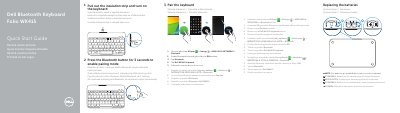

Dell Folio WK415 Bluetooth Keyboard Quick Start Guide - cover page
Brand
DELL
Category
Other Computer Accessories
Document type
User Manual
Language
English
Pages
2
File format
PDF
File size
341 KB
Published
25 November, 2023
Updated
25 November, 2023
Model
WK415
MD5 checksum
4244C366497DB9F9F419ECF1D782A22A

About this manual

This document is a Quick Start Guide for the Dell Folio WK415 Bluetooth keyboard. It provides instructions in multiple languages for unboxing, activating the device, and pairing it with a tablet via Bluetooth. The guide details the steps to enable Bluetooth on the tablet and select the keyboard from the list of available devices.

What's inside

  • Pair the keyboard
  • Replacing the batteries
  • All apps
  • Action menu
  • Search
  • Decrease brightness
  • Increase brightness
  • Shortcut Keys
  • Features
  • Regulatory and safety

Specifications

Product NameBluetooth Keyboard

Frequently asked questions

Are batteries included with the keyboard?

Yes, the batteries are installed when you receive the keyboard.

How do I put the keyboard into pairing mode?

Press the Bluetooth button for 3 seconds to enable pairing mode.

Download PDF (341 KB)

More DELL Manuals


View all DELL manuals →