
Dell OptiPlex 5050 Tower Quick Start Guide

OptiPlex 5050 Tower Quick Start Guide
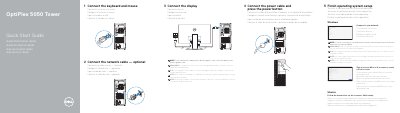

Dell OptiPlex 5050 Tower Quick Start Guide - cover page
Brand
DELL
Category
Desktops
Document type
Quick Start Guide
Language
English
Pages
2
File format
PDF
File size
507 KB
Published
25 November, 2023
Updated
25 November, 2023
MD5 checksum
81D17DAA0680DF52E743FA495DF39698

About this manual

This document provides quick start instructions for the Dell OptiPlex 5050 Tower. It details the steps to connect peripherals such as the keyboard, mouse, network cable, and display, noting specific requirements for discrete graphics cards. It also guides users through connecting to a network and signing into a Microsoft account or creating a local one.

What's inside

  • Connect the keyboard and mouse
  • Connect the network cable
  • Connect the display
  • Connect the power cable
  • Finish operating system setup
  • Locate Dell apps
  • Features

Specifications

Regulatory modelD18M
Computer modelOptiPlex 5050 Tower

Frequently asked questions

What should I do if my computer has a discrete graphics card?

Connect the display to the discrete graphics card.

How do I connect to a secured wireless network?

Enter the password for the wireless network access when prompted.

Download PDF (507 KB)

More DELL Manuals


View all DELL manuals →