
The Dell Tablet Keyboard - Mobile is a keyboard dock for Dell tablets. It can charge the tablet and provide additional USB ports.
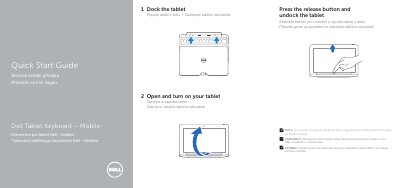
This Dell Quick Start Guide covers the K12A Tablet Keyboard Dock and explains how to dock and undock the tablet and how to open and turn on the tablet. It also describes the dock's connectors, touch pad, pins, and status lights, and lists product support, contact, and regulatory information.
| Input voltage | 100 V AC–240 V AC |
|---|---|
| Input current | 1.00 A–1.30 A |
| Input frequency | 50 Hz–60 Hz |
| Output current | 1.2 A |
| Output voltage | 19.5 V DC |
| Regulatory model | K12A |
You can charge it using the micro USB connector on the dock hinge.
The regulatory model number is K12A.
It has a Caps Lock status light and a power status light.
Press the release button and remove the tablet from the dock.