
Dell PW7015MC Power Companion Quick Start Guide.
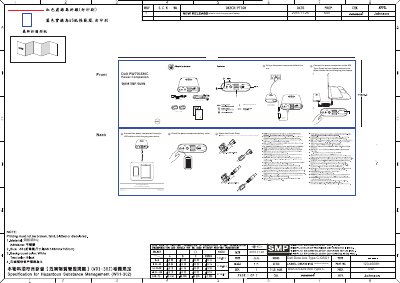
The Dell PW7015MC Power Companion Quick Start Guide lists the power-in cable, ferrite cores, and power-out cable included in the box, and identifies the power-in port, USB-out ports, power button, and battery-status indicators.
It explains how to charge the power companion before first use, connect it to a laptop or device through a USB cable, check the battery status, and attach the ferrite cores. The power adapter and USB cable are not included.
| Power-out ports | 2 |
|---|---|
| Power-in port | USB Type-C |
| Ferrite cores included | 2 |
No, the power adapter and USB cable are not shipped with the power companion; use the power adapter of your Dell computer.
Check the power companion battery status as described in the guide.
Charge the power companion before first use.
It is compatible with select Dell computers; see dell.com for a list of supported Dell computers.