
This guide describes how to use the Streak tablet.
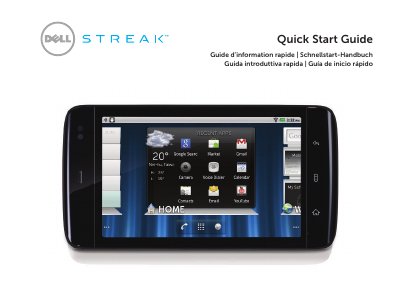
This guide provides quick start instructions for the Dell Streak tablet in several languages. It covers removing the back cover, inserting the SIM card and battery, inserting a microSD card, replacing the back cover and charging the battery.
It also identifies the device buttons, sensors, cameras, connectors and speaker, and explains turning on the device, connecting 3.5 mm headphones, and using Dell Mobile Sync to copy or sync music, photos, videos and Outlook contacts with a computer.
| Headphone connector | 3.5 mm |
|---|---|
| Connector | 30-pin connector |
| SIM card | Insert the SIM card |
| microSD card | Insert the microSD card |
Press and hold the power button.
Connect 3.5 mm headphones to the headphone connector.
The device turns off automatically.
It is available on the tablet's SD card or at support.dell.com/manuals.