
Dell™ Precision Mobile Workstation 7000 Series Quick Start Guide
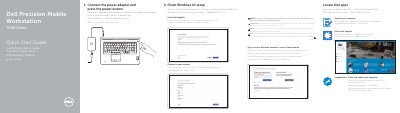
This quick start guide describes initial setup for the Dell Precision 7000 Series mobile workstation. It begins with connecting the power adapter and pressing the power button, then covers SupportAssist check and update, registering the computer, locating Dell apps, finishing Windows 10 setup, connecting to a network, enabling Dell updates, and signing in to a Microsoft account or creating a local account.
The guide also lists the computer's features, including the microphone, optional camera, network and power connectors, power button, security-cable slot, USB 3.0 connectors, headset connector, memory card reader, optional fingerprint reader, status lights, speakers, touchpad, optional smartcard readers, Mini DisplayPort, HDMI and optional USB-C connectors, docking connector, service-tag label, and door and battery release latch. It gives the computer model Dell Precision -7710 and support links for manuals and regulatory compliance.
| Computer model | Dell Precision -7710 |
|---|---|
| USB connector | USB 3.0 |
| Mini DisplayPort connector | Mini DisplayPort |
| HDMI connector | HDMI |
| USB-C connector | USB-C (optional) |
Connect the power adapter and press the power button.
SupportAssist checks and updates your computer.
Enter the password for the wireless network access when prompted.
Sign in to a Microsoft account or create a local account.