
This document describes the setup and operation instructions for Dell computers.
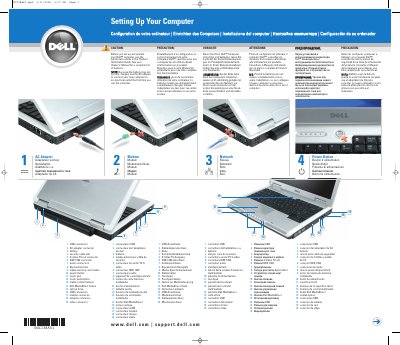
This guide covers the initial setup and operation of the Dell em1 computer. It includes multilingual safety warnings advising users to consult the Product Information Guide before setup and to use the AC adapter for the first charge. The document identifies key hardware components such as USB connectors, the battery, security cable slot, and various ports including S-video, IEEE 1394, and ExpressCard.
Read the safety instructions in the Product Information Guide before setting up and operating the computer. The Owner's Manual contains a complete list of features.
Use the AC adapter, because the battery may not be fully charged.
You need high-speed Internet access, a wireless router, and a wireless network card.
Click Start, point to Connect To, and click Show all connections. Under LAN or High-Speed Internet, verify that Wireless Network Connection is present.