
The Dell™ AIO A940 Printer User's Guide describes the features and operation of the printer.
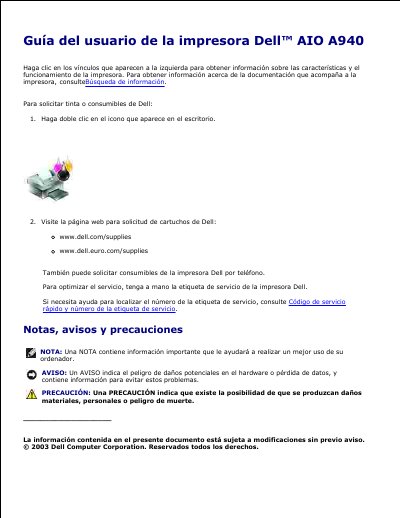
This guide provides step-by-step instructions for using the Dell AIO A940 printer, including setup, scanning, printing, faxing, and troubleshooting. It covers hardware components, system requirements, and compatibility with Windows XP and Windows 2000. The guide also includes specifications for physical dimensions, power consumption, and environmental conditions.
The printer supports USB connectivity and offers print, scan, and fax functions. It can handle paper sizes and types as specified in the manual, with resolution options from 150 x 150 ppp to 600 x 600 ppp. Fax functionality requires a modem connected to an analog phone line and a USB connection to the computer. The guide includes troubleshooting tips for common issues like paper jams, scanning problems, and fax failures. This manual is written in Spanish.
| Memory | 8 MB (base and maximum) |
|---|---|
| Dimensions | 240mm (alt.) x 469mm (anch.) x 395mm (prof.) |
| Weight | 8.2 kg |
| Power Consumption | 15 W (standby), 35 W (operating) |
| Print Resolution | 150 x 150 ppp to 600 x 600 ppp |
| Operating Temperature | 16 °C to 32 °C (61 °F to 90 °F) |
| Storage Temperature | -40 °C to 60 °C (-40 °F to 140 °F) |
| Average Monthly Capacity | 3,000 pages |
| Maximum Monthly Capacity | 5,000 pages |
| Fax Resolution | 100 ppp |
To send faxes, the computer must be connected to a fax modem, which must be connected to an active analog phone line. The printer must be connected to the computer via USB. DSL or cable modems are not supported.
The printer is compatible with Windows XP and Windows 2000.
The printer has 8 MB of base and maximum memory.
The printer consumes 15 W in standby mode and 35 W in operating mode.