
The Dell™ OptiPlex™ 210L User's Guide Mini Tower Desktop Computer Desktop Computer introduces the advanced features of the Dell™ OptiPlex™ 210L User's Guide Mini Tower Desktop Computer Desktop Computer, including LegacySelect technology control, manageability, security protection, password protection, system setup program, booting to a USB device, clearing a forgotten password, clearing CMOS settings, hyper-threading, and power management.
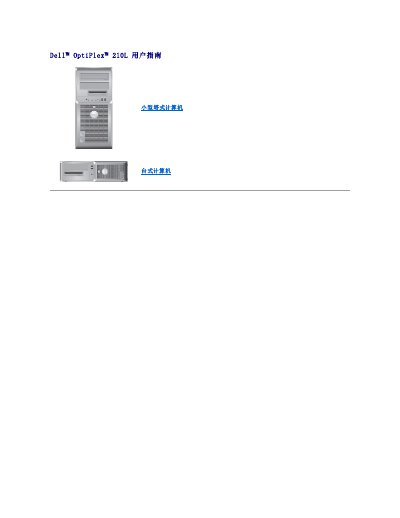
This user manual provides instructions for configuring and managing the Dell OptiPlex 210L mini tower desktop computer. It covers system settings, security features including password protection and lock mechanisms, power management, and boot options. The guide also explains how to use Dell OpenManage IT Assistant for remote management and monitoring of the system.
The manual includes detailed steps for setting, changing, or removing system and administrator passwords, managing legacy hardware interfaces, and troubleshooting password-related issues. It is intended for users and administrators who need to configure or secure the system after initial setup. This manual is written in Chinese.
Enter the system setup program, ensure 'Password Status' is set to 'Unlocked', highlight 'System Password', enter a new password (up to 32 characters), confirm it, and exit. The password will take effect after reboot.
Press