
The Dell DL4000 Appliance Deployment Guide describes how to set up and configure a Dell DL4000 appliance.
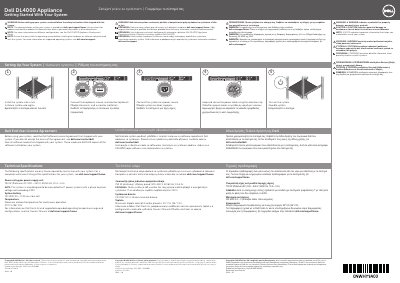
This document provides the deployment guide for the Dell DL4000 Appliance. It includes safety warnings in multiple languages, instructions for setting up the system, and regulatory information.
The guide details steps for rack installation, connecting peripherals and power, securing the power cable, and turning on the system. It also lists key technical specifications such as power supply rating, system battery type, and maximum ambient operating temperature.
| Power supply rating | 750 W (Platinum) AC (100–240 V, 50/60 Hz, 10–5 A) |
|---|---|
| System battery | CR 2032 3.0 V lithium coin cell |
| Maximum ambient temperature for continuous operation | 20°C/h (36°F/h) |
| Regulatory model/type | E16S Series/E16S001 |
The power supply is rated at 750 W (Platinum) AC, 100–240 V, 50/60 Hz, 10–5 A.
It uses a CR 2032 3.0 V lithium coin cell.
The maximum ambient temperature for continuous operation is 20°C/h (36°F/h).
Complete and current specifications are available at dell.com/support/home.