
Updated information about the Integrated Dell Remote Access Controller (iDRAC).
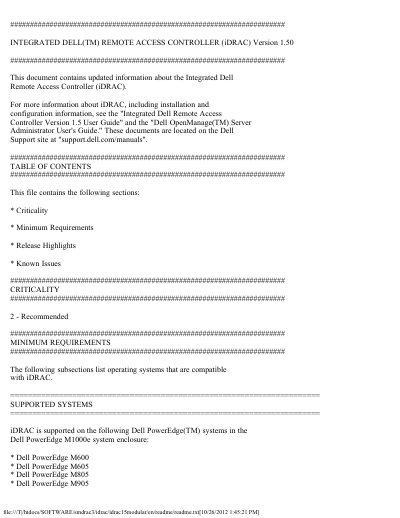
This readme provides updated information for the Integrated Dell Remote Access Controller (iDRAC) Version 1.50. It identifies supported Dell PowerEdge systems in the M1000e enclosure, supported managed server operating systems, and supported web browsers.
The document also lists release highlights for firmware version 1.50, including FlexAddress MAC for iDRAC, VLAN Tagging, Power Management Improvements, and Regular Maintenance. A known issues section covers update behavior, VMware ESX virtual devices, static IP configuration with syscfg, RACADM defaults, virtual media, and browser-related notes.
| Firmware version | 1.50 |
|---|---|
| Supported systems | Dell PowerEdge M600, M605, M805, and M905 in the Dell PowerEdge M1000e system enclosure |
| Supported managed server operating systems | Microsoft Windows Server 2003 family and Windows Server 2008; SUSE Linux Enterprise Server 10 SP2 and 11 SP2; Red Hat Enterprise Linux 4.7 and 5 Update 3; VMware ESX 3.5 Update 4 and 4.0; XenServer 5.5 |
| Supported web browsers | Microsoft Internet Explorer 6.0 with SP2, Internet Explorer 7.0, Internet Explorer 8.0, Mozilla Firefox 2.0 on SLES 10 SP1, and Mozilla Firefox 3.0 |
iDRAC is supported on Dell PowerEdge M600, M605, M805, and M905 systems in the Dell PowerEdge M1000e system enclosure.
The release highlights are FlexAddress MAC for iDRAC, VLAN Tagging, Power Management Improvements, and Regular Maintenance.
Reboot the managed server once after the iDRAC update so VMware ESX re-enumerates virtual devices and enables virtual floppy and virtual CD-ROM features.
Supported browsers include Microsoft Internet Explorer 6.0 with SP2, Internet Explorer 7.0, Internet Explorer 8.0, Mozilla Firefox 2.0 on SLES 10 SP1, and Mozilla Firefox 3.0.