
Dell Display Manager is a Microsoft Windows application used to manage a monitor or a group of monitors.
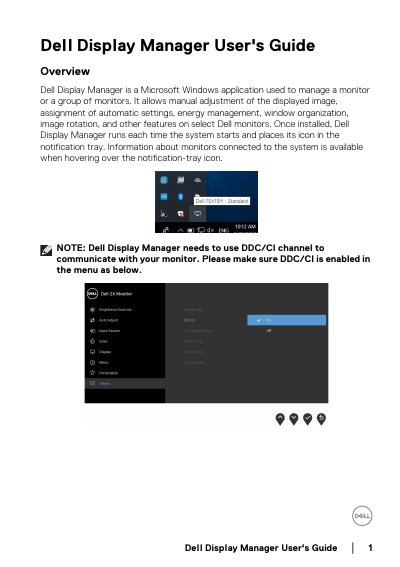
Dell Display Manager is a Microsoft Windows application used to manage a monitor or a group of monitors. It allows manual adjustment of the displayed image, assignment of automatic settings, energy management, window organization, image rotation, and other features on select Dell monitors.
The guide covers the Quick Settings dialog, basic display functions, preset modes assigned to applications, Easy Arrange window layouts, multiple video inputs, restoring application positions, energy conservation features, and troubleshooting. It references Dell monitor models including P2219H, P2319H, P2419H, and P2719H.
| Application type | Microsoft Windows application |
|---|---|
| Monitor communication | DDC/CI channel |
| Referenced monitor models | P2219H, P2319H, P2419H, P2719H |
Dell Display Manager only works with Dell branded monitors and does not support monitors from other manufacturers.
Check the monitor OSD to ensure DDC/CI is enabled.
No, Dell Display Manager does not launch applications.
No, virtual and wireless displays do not support DDC/CI.