
The Dell Inspiron 7520 Quick Start Guide provides information on how to set up and use the Dell Inspiron 7520 laptop.
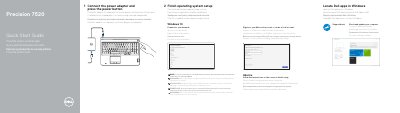
This Dell Precision 7520 quick start guide walks through the initial setup: connect the power adapter and press the power button, finish the operating system setup for Windows 10 or Ubuntu, sign in to a Microsoft account or create a local account, connect to a network, and locate Dell apps such as SupportAssist for checking and updating the computer.
The second page identifies the computer's features and connectors by number, including the network port, microphones, camera, power button, USB 3.0 ports with PowerShare, headset port, SD card reader, optional fingerprint and smart card readers, Mini DisplayPort, HDMI port, Thunderbolt 3 over Type-C port, pointing stick and E-Dock connector, followed by product support links and regulatory information.
| Regulatory model | P53F |
|---|---|
| Regulatory type | P53F002 |
| Computer model | Precision 7520 |
| Printed | China, 2016-11 |
Connect the power adapter and press the power button, then finish the operating system setup following the on-screen instructions.
The guide covers both Windows 10 and Ubuntu; for Windows 10 you can sign in to your Microsoft account or create a local account.
Dell apps are located in Windows; SupportAssist checks and updates your computer.
It has a Mini DisplayPort, an HDMI port, and a Thunderbolt 3 connection over a Type-C port.