
Dell Precision 5520 Computer Quick Start Guide

The Dell Precision 5520 Quick Start Guide provides information on how to use the Dell Precision 5520 laptop.
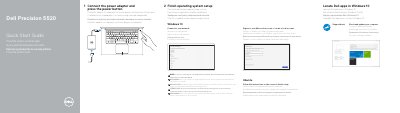

Dell Precision 5520 Computer Quick Start Guide - cover page
Brand
DELL
Category
Laptops
Document type
Quick Start Guide
Language
English
Pages
2
File format
PDF
File size
518 KB
Published
25 November, 2023
Updated
25 November, 2023
MD5 checksum
99805439863974969CA71353B6BD2206

About this manual

The guide gives setup steps for the Dell Precision 5520 computer: connect the power adapter, press the power button, and finish operating system setup. It covers Windows 10 network connection and account sign-in, or following the on-screen instructions for Ubuntu.

What's inside

  • Connect the power adapter and press the power button
  • Finish operating system setup
  • Windows 10
  • Ubuntu
  • Locate Dell apps in Windows 10
  • SupportAssist
  • Features
  • Product support and manuals
  • Contact Dell
  • Regulatory and safety

Frequently asked questions

How do I start the Dell Precision 5520?

Connect the power adapter and press the power button.

How do I connect to a secured wireless network in Windows 10?

Enter the password for the wireless network access when prompted.

Where can I find product manuals?

At Dell.com/support/manuals.

What regulatory model is listed for the computer?

P56F.

Download PDF (518 KB)

More DELL Manuals


View all DELL manuals →