
The Dell Latitude 5175/5179 Quick Start Guide provides information on how to connect the power cord and press the power button, as well as how to insert a micro-SIM card and a microSD card.
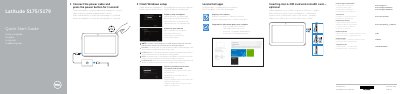
The Dell Latitude 5175/5179 Quick Start Guide helps users connect the power cable, press the power button, and complete Windows setup. It also covers enabling security and updates, connecting to a network, signing in to a Microsoft account, locating Dell apps, and registering the computer.
Connect the power cable and press the power button for 1 second.
Yes, the fingerprint reader is available on the Latitude 5179.
In the charms sidebar, tap Settings, tap the wireless icon, select your network, and tap Connect.