
Dell Display Manager is a Microsoft Windows application used to manage a monitor or a group of monitors. It allows manual adjustment of the displayed image, assignment of automatic settings, energy management, window organization, image rotation, and other features on select Dell monitors.
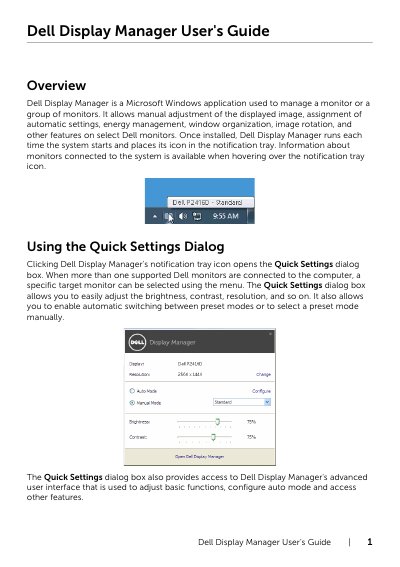
Dell Display Manager is a Windows application for managing display settings on compatible Dell monitors. It allows manual adjustments and automatic mode assignments based on applications. The app runs at startup and can be accessed via a notification tray icon. Users can adjust basic display functions, assign preset modes to applications, and configure energy-saving features like PowerNap through its interface.
Clicking the notification tray icon opens the Quick Settings dialog box.
Yes, the Preset Mode assigned to a particular application may be the same on each connected monitor, or it can vary from one monitor to another.
On supported Dell models, it offers PowerNap options to set brightness to minimum or put the monitor to sleep when the screensaver is activated.