
Dell Display Manager is a Windows application used to manage a monitor or a group of monitors. It allows manual adjustment of the displayed image, assignment of automatic settings, power management, image rotation and other features on select Dell models.
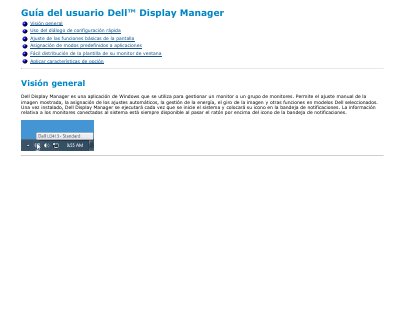
Dell Display Manager is a Windows application used to manage a monitor or a group of monitors. It allows manual adjustment of the displayed image, assignment of automatic settings, power management, image rotation, and other functions on selected Dell models. Once installed, it runs at system startup and places its icon in the notification area.
The quick setup dialog lets users adjust contrast and brightness, select predefined modes manually or in automatic mode, and change screen resolution. Additional tabs provide access to basic functions, automatic mode configuration, application-specific mode assignments, Easy Arrange window layouts, and optional PowerNap and Smart Video Enhance features. This manual is written in Spanish.
It is a Windows application used to manage a monitor or a group of monitors on selected Dell models.
Click the Dell Display Manager notification area icon to open the quick setup dialog.
When the screensaver is activated, monitor brightness automatically decreases to the minimum level or the monitor enters sleep mode to save energy.